Get to Production Faster with Prebuilt Integrations
22nd May, 2026
Production-ready prebuilt integrations for WSO2 Integration Platform that you can deploy in seconds.
Introduction
Building integrations from the ground up often takes more time than it should. Even with a powerful integration platform (iPaaS), you still need to learn the abstractions, configure connectors, and wire the logic together. Even straightforward use cases like syncing Salesforce data to a spreadsheet can take some time to get right. That's why we are introducing Prebuilt Integrations for WSO2 Integration Platform, which are production ready integrations you can deploy within seconds.
What are prebuilt integrations?
If you've used the WSO2 Integration Platform before, you've probably come across samples that help you get started. Those are designed to teach you the platform. They walk you through the concepts, and help you get comfortable with abstractions.
Prebuilt integrations are different. These are real, production-ready integrations built around actual business use cases. You configure them with your credentials and run. No integration to build, no connectors to wire up from scratch.
At the time of writing, there are 12 prebuilt integrations available across 10 vendors including Salesforce, Slack, GitHub, and more. And if you need to go beyond what's provided out of the box, you can open any prebuilt integration in the cloud editor, customize it, and push it to your own repository. At that point, it's fully yours.
How to try it out
Step 1: Sign up to WSO2 Integration Platform at https://console.devant.dev.
Step 2: Create an Organization.
Step 3: Once you are done, you would be greeted with the Default Project Home.
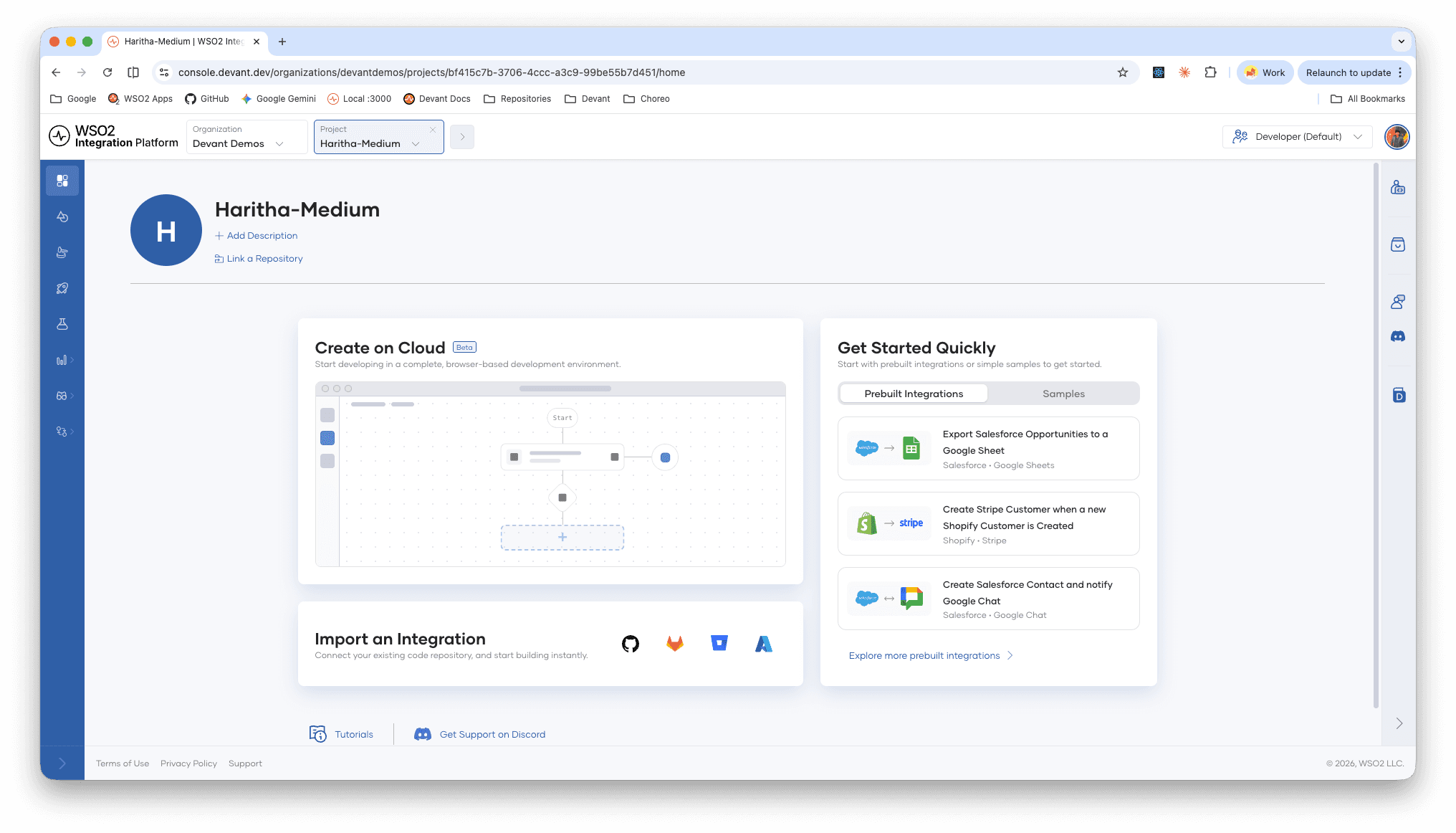
Default Project Home
Step 4: You can already see the a curated set of prebuilt integrations, and you can click "Explore more prebuilt integrations" to open the integration browser.
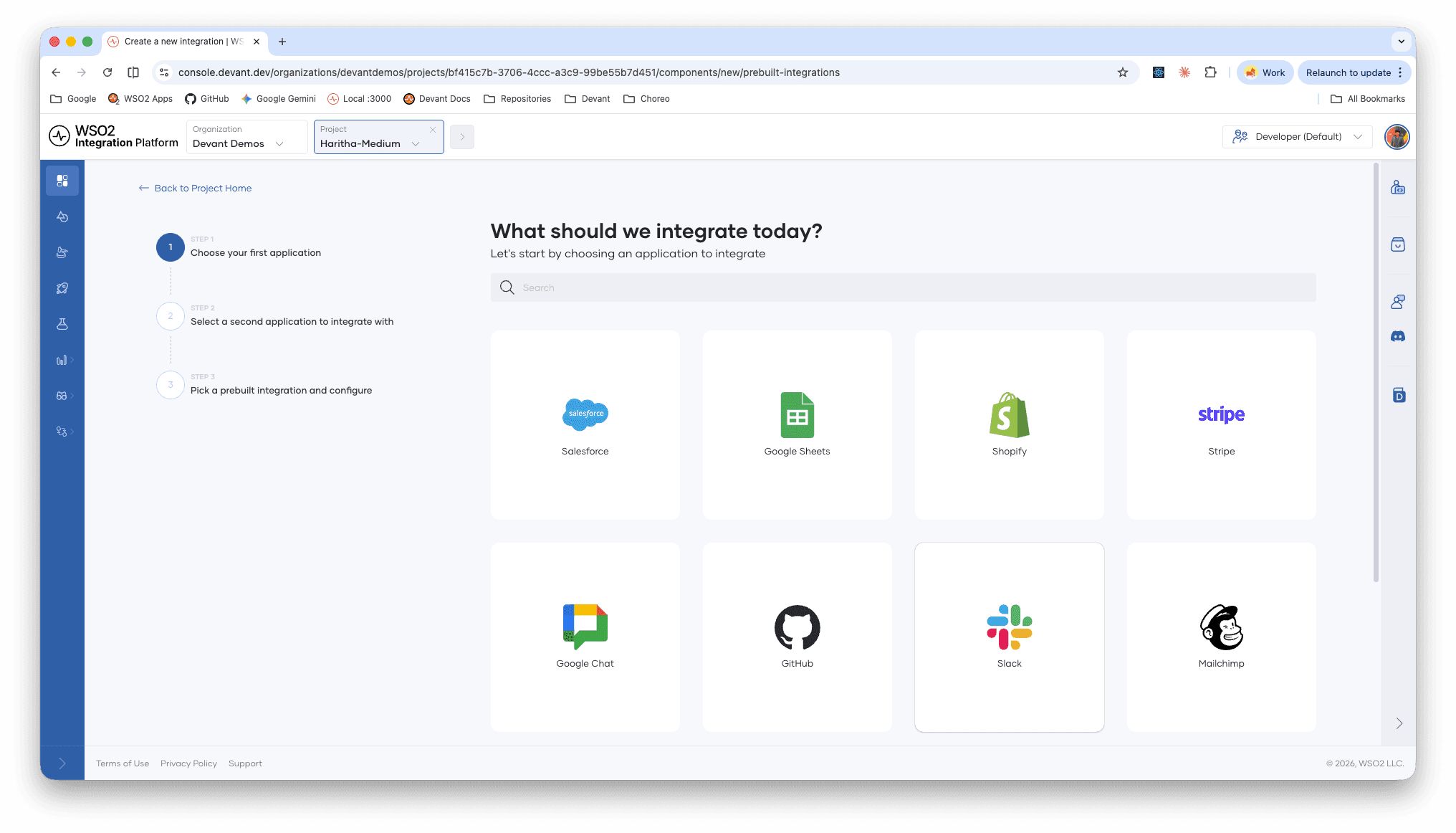
Integration Browser
Step 5: Then you can pick your favorite application to integrate. For me, I'll pick Salesforce.
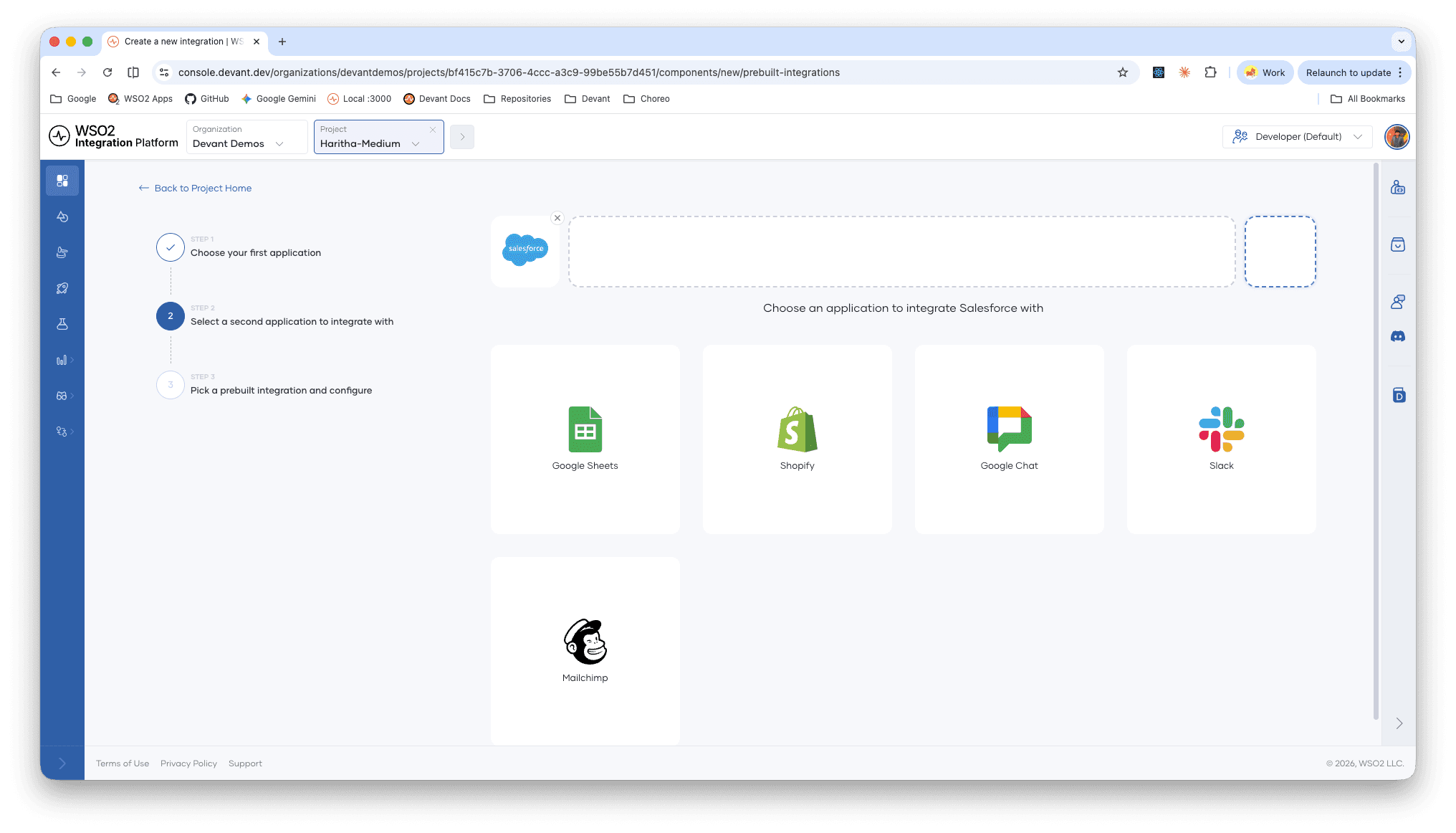
Salesforce
Step 6: Once you pick Salesforce, it will show you the rest of the applications that you can integrate Salesforce with. For me, I'll pick Google Sheets.
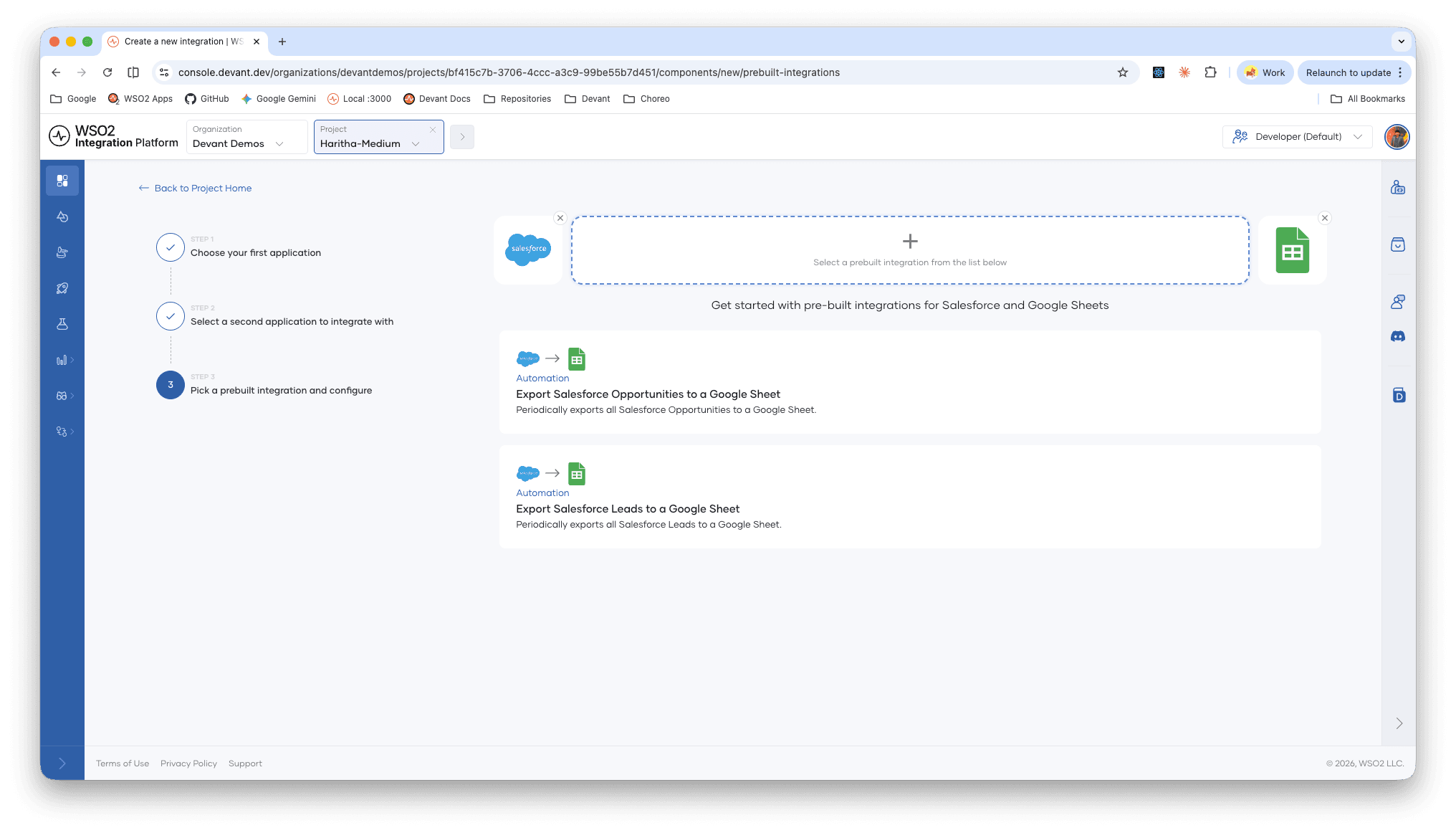
Google Sheets
Step 7: Now's the fun part. You get to pick what your integration actually does between the two apps you're connecting. For this walkthrough, I'm going with an integration that automatically exports all Salesforce Opportunities to a Google Sheet on a schedule. This is one of those use cases that sounds simple but saves a surprising amount of time. Instead of someone on the sales team manually pulling pipeline data every Monday morning, it's just there, always up to date, ready for your weekly review or reporting.
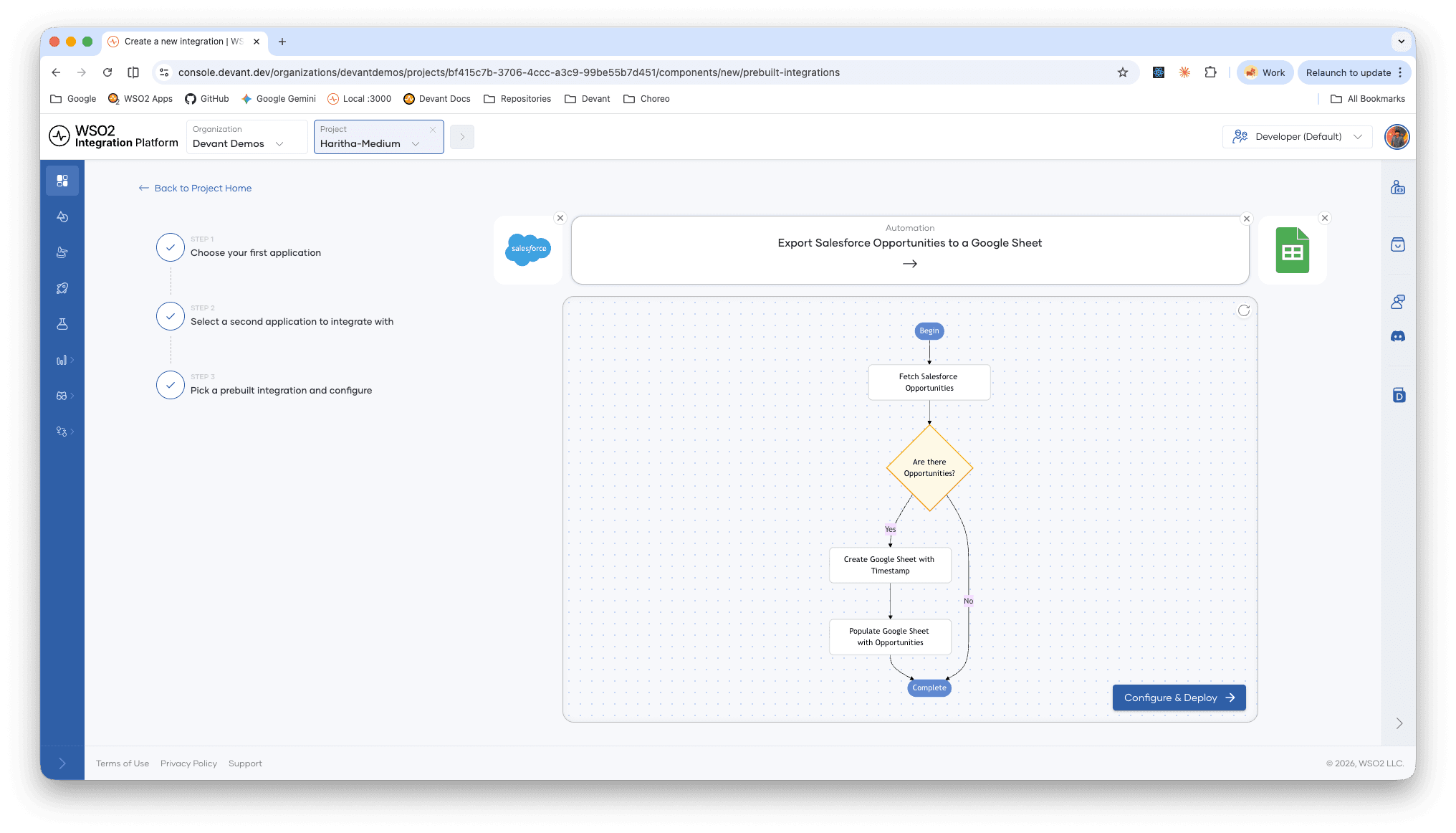
Integration Flowchart
Once you've picked your integration, a flowchart walks you through the entire flow, from trigger to output. So you know exactly what you're deploying. Click "Configure & Deploy" to move forward.
Step 8: Check the instructions, and fill in your credentials.
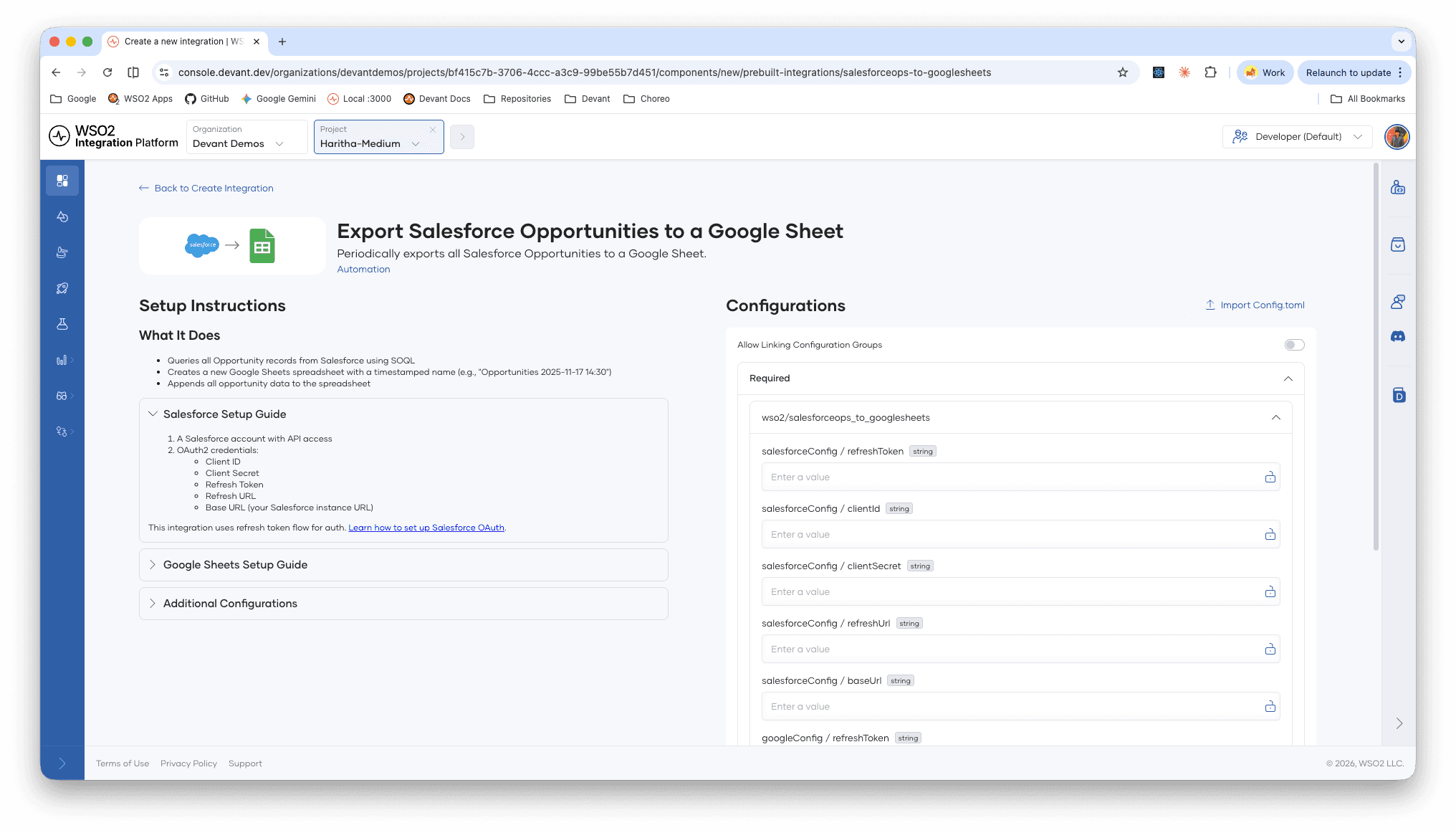
Configure Integration
This page lets you set up the integration. All you have to do is follow the guide and provide your credentials so the integration can access your Salesforce and Google accounts. Once configured you can click "Deploy" to deploy the integration in minutes.
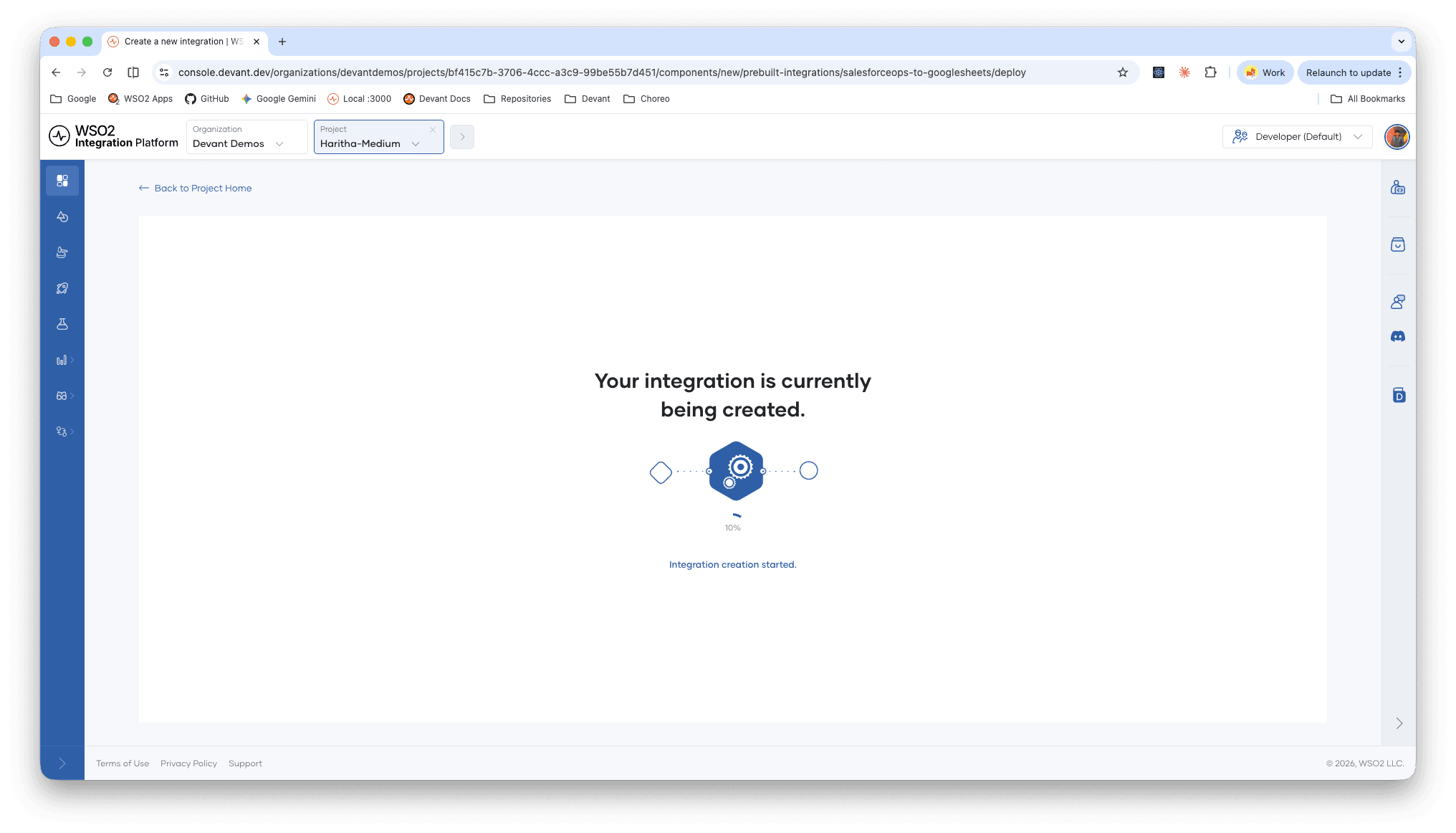
Deploy Integration
Step 9: You will be redirected to the Integration overview page once it's deployed. You can simply click "Test" on the Development environment to test the integration, and an execution will be triggered.
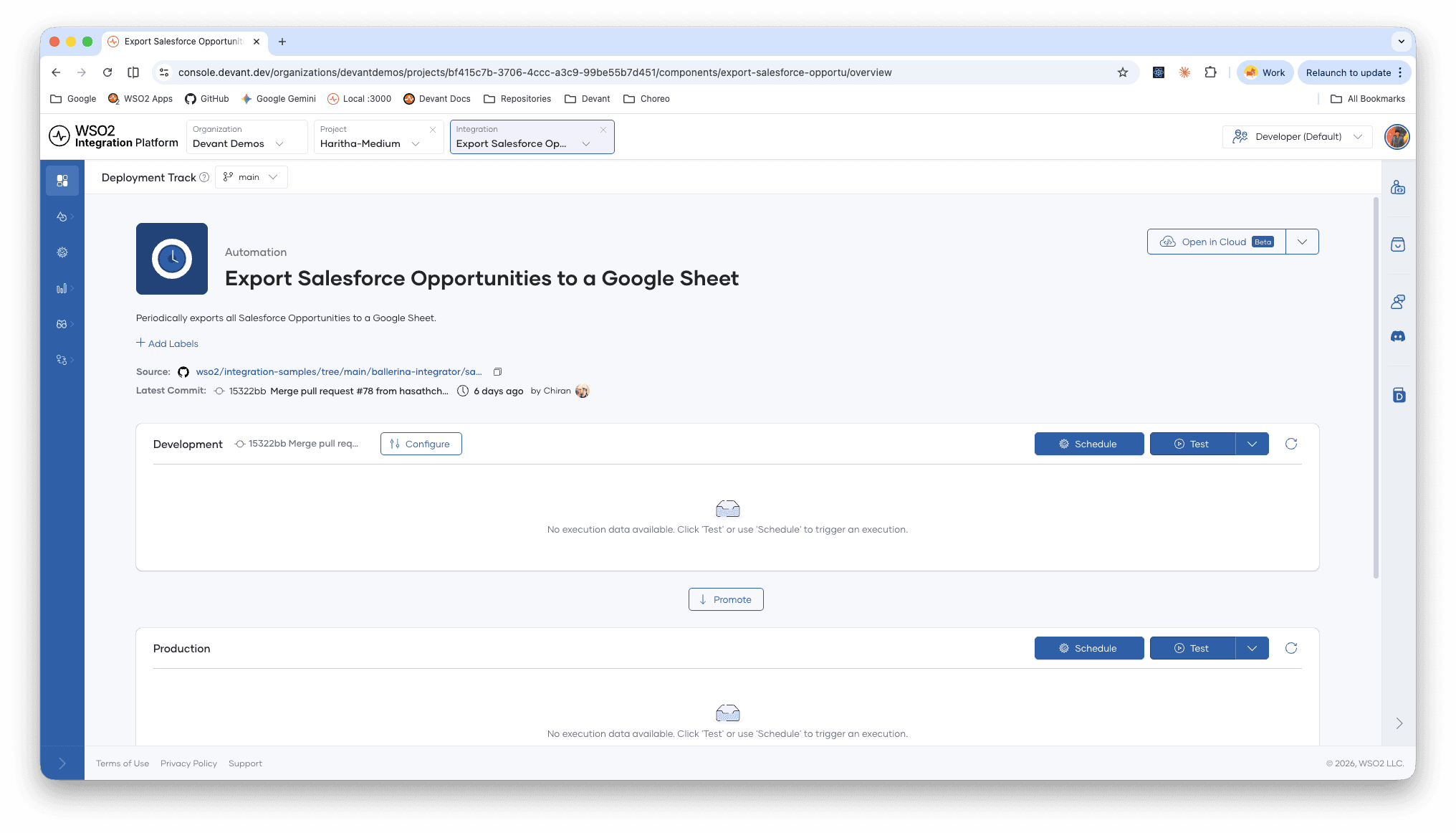
Test Execution
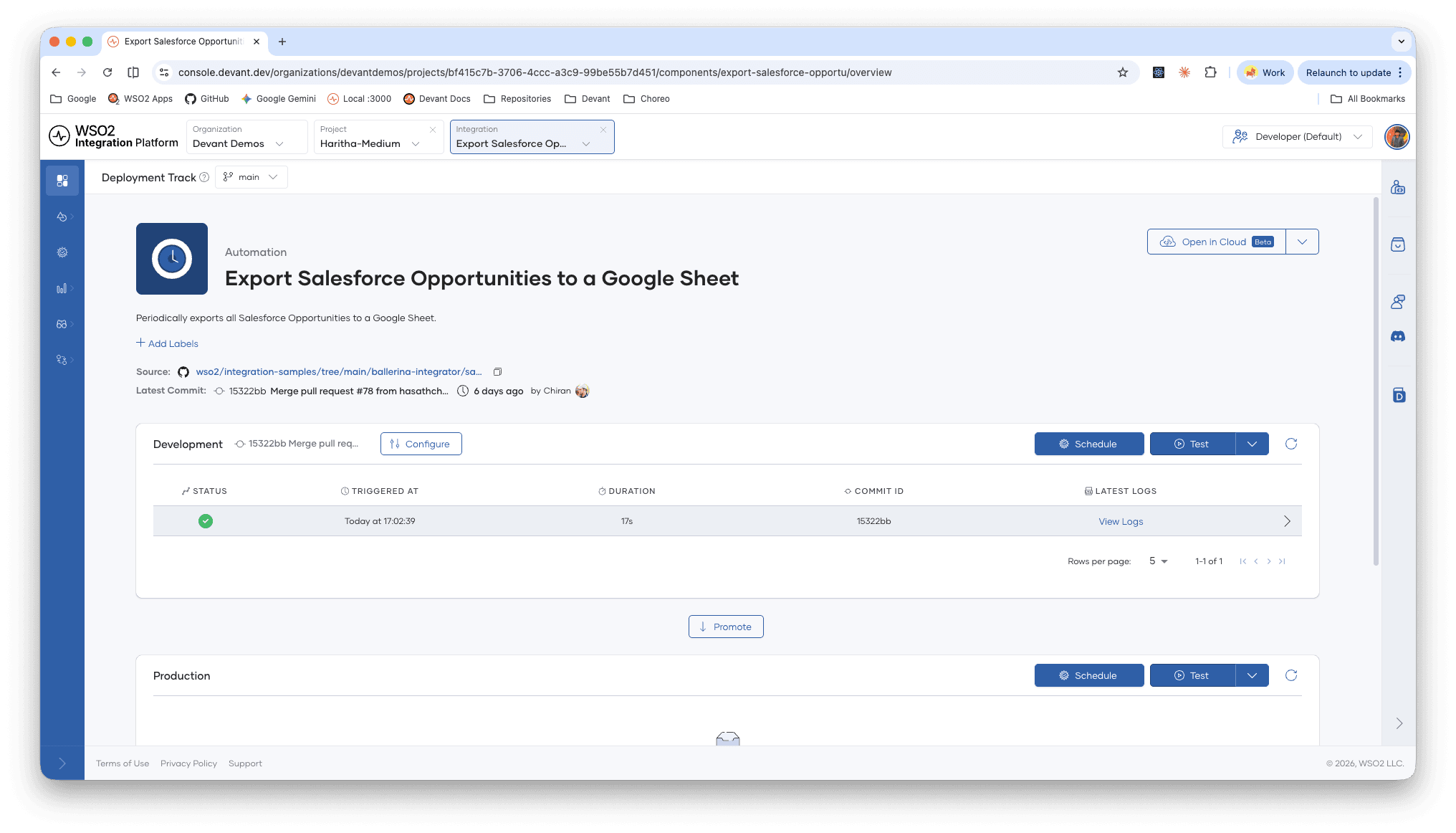
Execution Logs
Once the execution completes, you can view the logs and more importantly, check your Google Sheets. You'll find a fresh spreadsheet with your Salesforce data already there.
Step 10: Once tested, you can click "Schedule" on the Production environment. This will let you add your production credentials and schedule the automation to run on a fixed schedule.
So in 10 easy steps, you can try out a production-ready prebuilt integration on the WSO2 Integration Platform. Now we have come to the most interesting part, we can simply click "Open in Cloud" to customize your integration on the cloud editor running WSO2 Integrator, and push the code to your own repository. At this point, it's fully yours.
That's the idea behind prebuilt integrations. Common integration problems are already solved so you don't have to rebuilt them. Pick a use case, deploy it in minutes, and move on to the work that actually needs your attention.
Give it a try at https://console.devant.dev, and let us know your thoughts!
Enjoyed this? Leave a like and share it!
