Thoughts on Asgardeo by WSO2
5th June, 2023
Our team's experience with Asgardeo, the cloud-based IDaaS by WSO2, while building Freshlyy.
Introduction

Asgardeo by WSO2
Almost all applications on the Internet relies on some form of authentication to make sure their applications are accessed only by authorized parties. All forms of authentication work more or less the same way, using popular technologies such as JWT, OAuth, Open ID Connect, SAML, etc.
However, when setting up authentication, it's rarely the case we can just get away with a simple login that authenticates users. Account creation, password management, resetting forgotten password, Multi factor authentication, implementing Google, Facebook, Apple sign-in, and much more comes into play when implementing auth in a modern application. With more options to sign-in, we open more ways in which the system can be exploited. Therefore, developers have to spend extensive amount of time for implementing auth before even getting into the actual application development.
One way to get around this is to use a third-party Identity Management System that provides all of the features you will ever need. That's where Asgardeo comes in handy. Asgardeo is a cloud-based Customer Identity & Access Management System that can be integrated into our application, so we can worry about development of the core functional parts of our system, while completely outsourcing auth to Asgardeo.
Asgardeo is the successor of the WSO2 Identity Server which can be hosted on our own servers (on-premises). What makes Asgardeo different is that we don't have to host Asgardeo, as it is a cloud-based solution where we can just create an account to get started, hence the name Identity as a Service (IDaaS).
Asgardeo handles the total user life cycle from sign-up, log-in, password reset, profile editing, to account deletion. This makes it easy for us as developers to focus on core features of the app while worrying less about auth, and let Asgardeo, a service built solely with auth in mind, handle it. Asgardeo provides users with a brandable sign-up page, login-page, profile page and all other pages necessary to manage users of the application. More on the features available in Asgardeo can be found here.
Our Experience
Our team Ascendants are in the process of developing an eCommerce application named Freshlyy. Freshlyy is a crop selling platform for small scale farmers and the customers who live nearby the farmers. Customers can get freshly harvested produce from nearby small-scale farmers who have excess quantities to sell.
For auth, we decided to try out Asgardeo so we created a User account and found that it's really easy to set up IAM for our application.
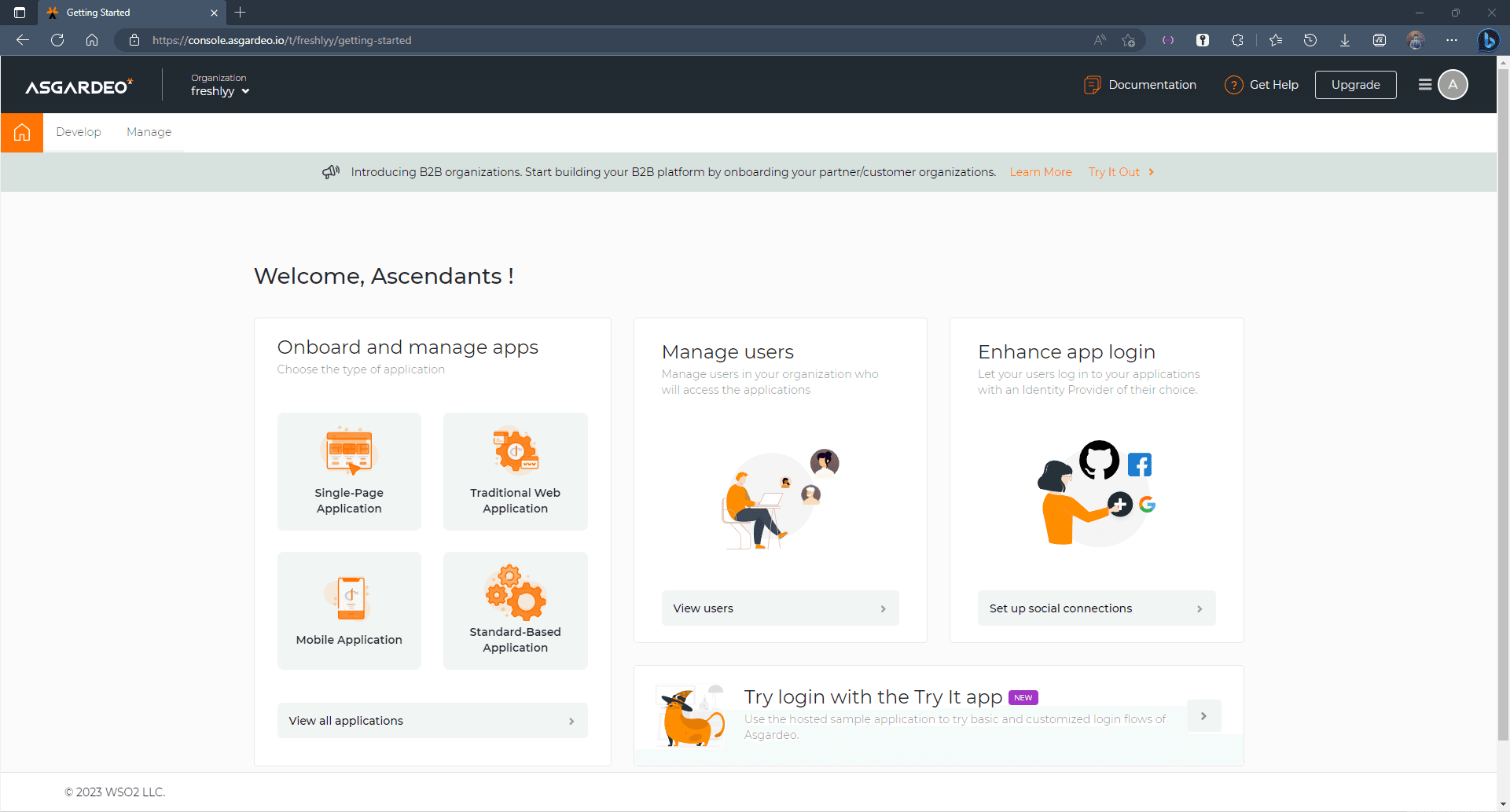
Asgardeo Dashboard
Upon signing up, we were greeted with this dashboard where we can set up our apps, manage our users and much more.
Users can be managed by navigating to the Manage tab in the top left corner or by clicking "View users".
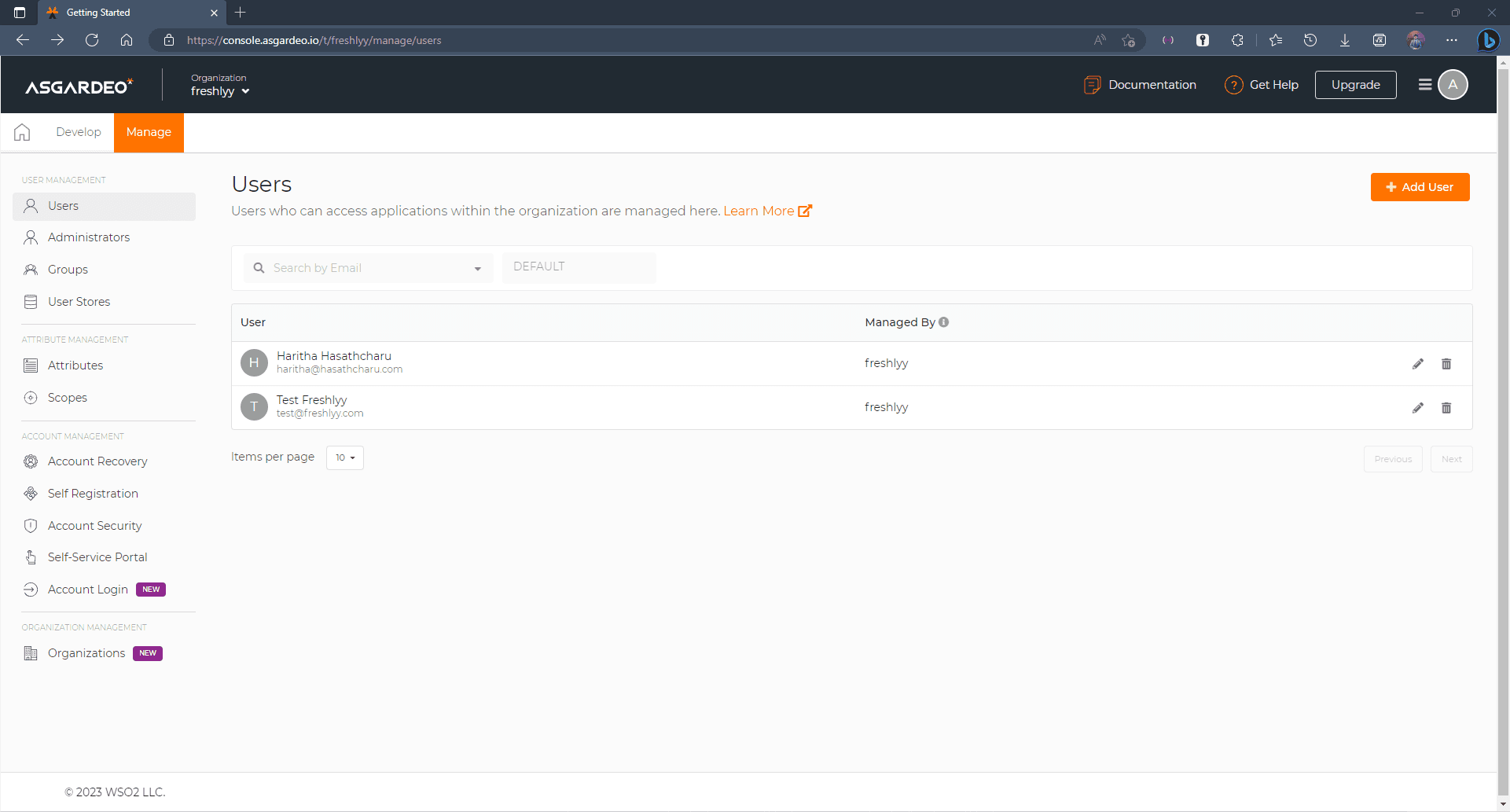
User Management Dashboard
Each user can be managed in their respective pages as follows.
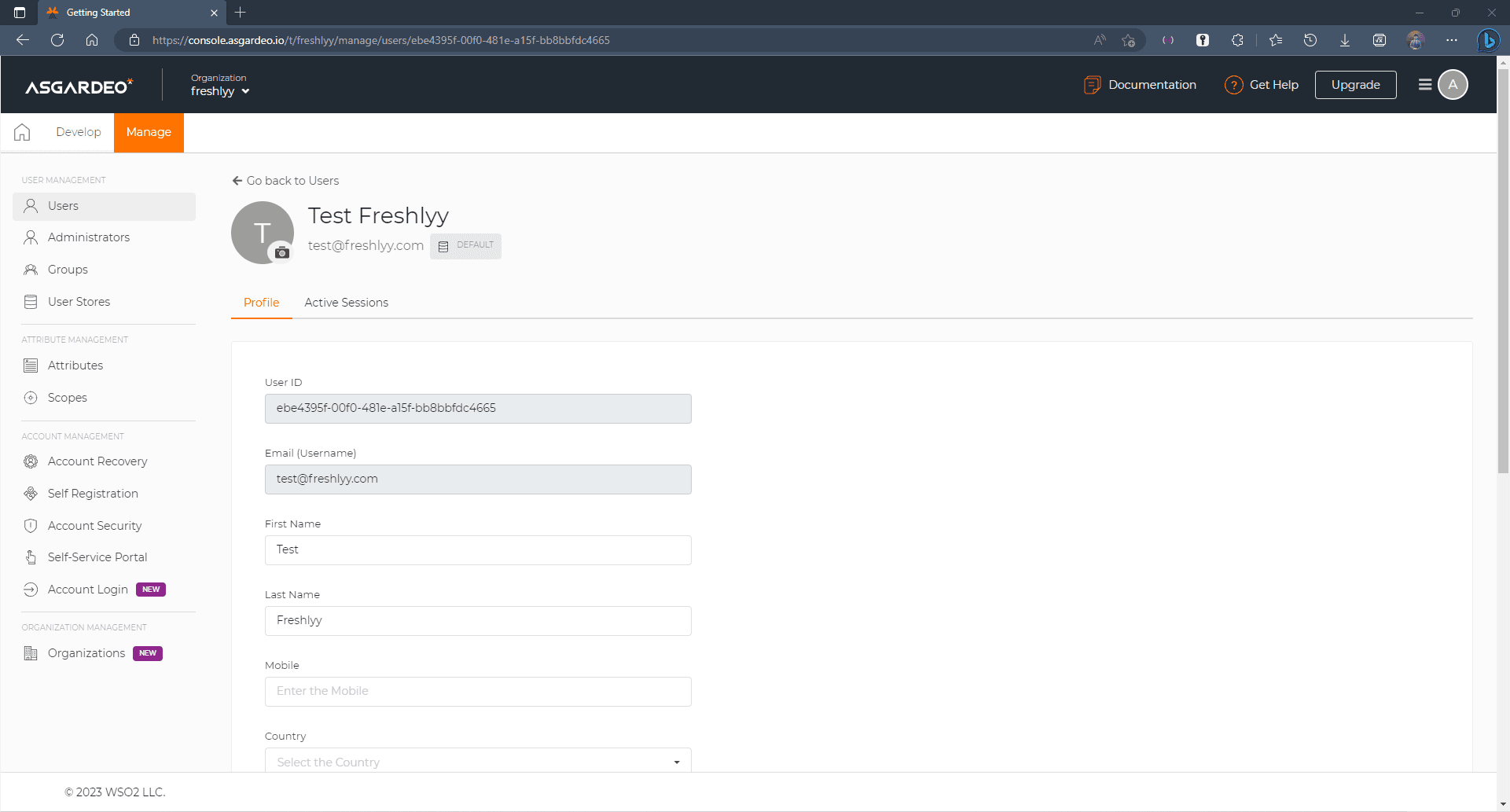
User Management
Coming back to the dashboard, you can find the most salient features of Asgardeo in the Develop tab, where it lets you set up applications, connections (integrations) and branding for the Asgardeo pages.
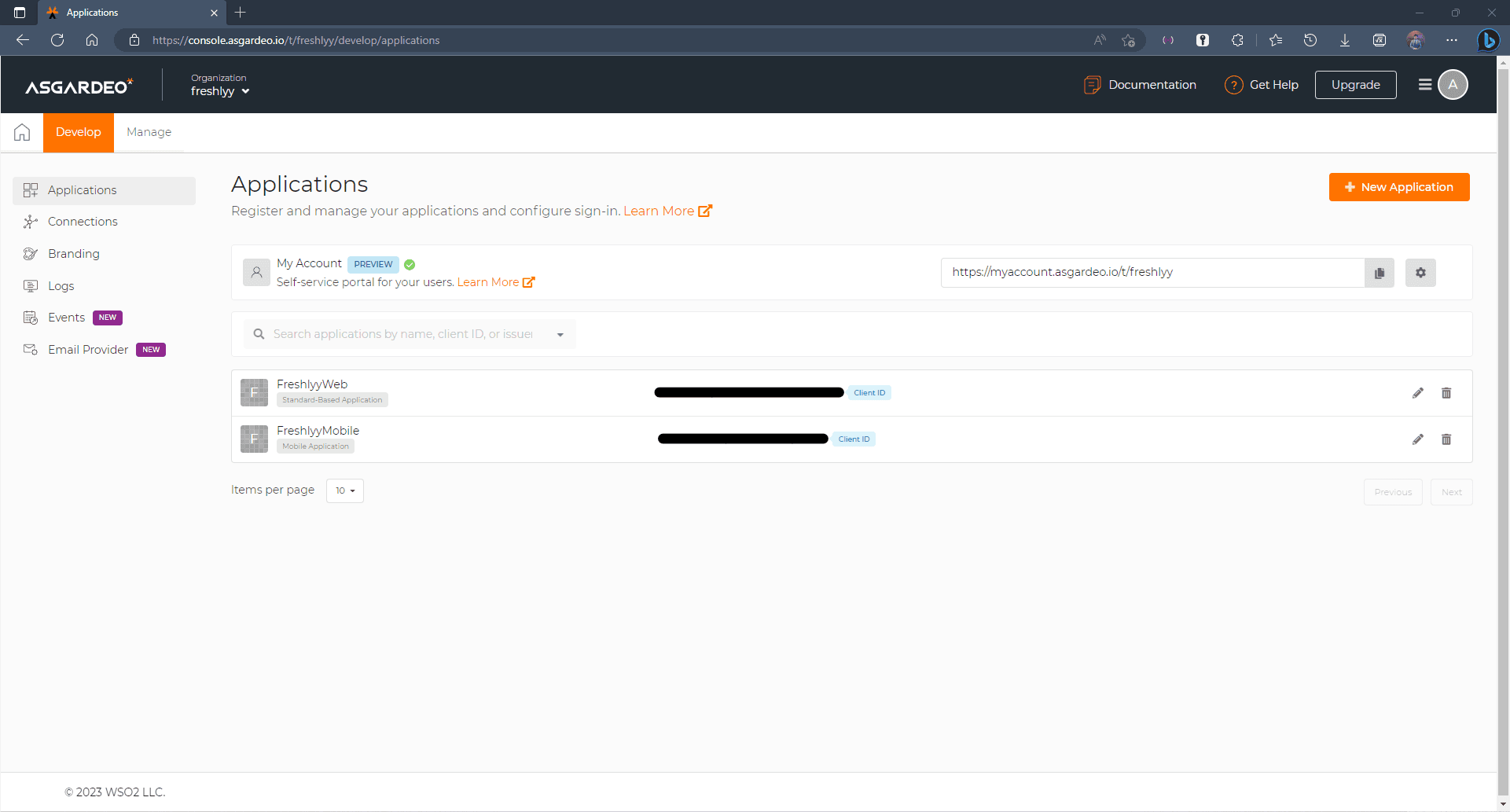
Develop Console
As shown above, you can set up multiple applications that use the same identity server. Here you can set up web-based applications, Single page applications, mobile applications and more.
The Connections tab will let you integrate services such as SMS and Email OTP, Password-less login, Biometric login, etc.
In the branding tab, we were able to craft our login and sign-up pages in our own custom way that suits the design language of our Freshlyy application.
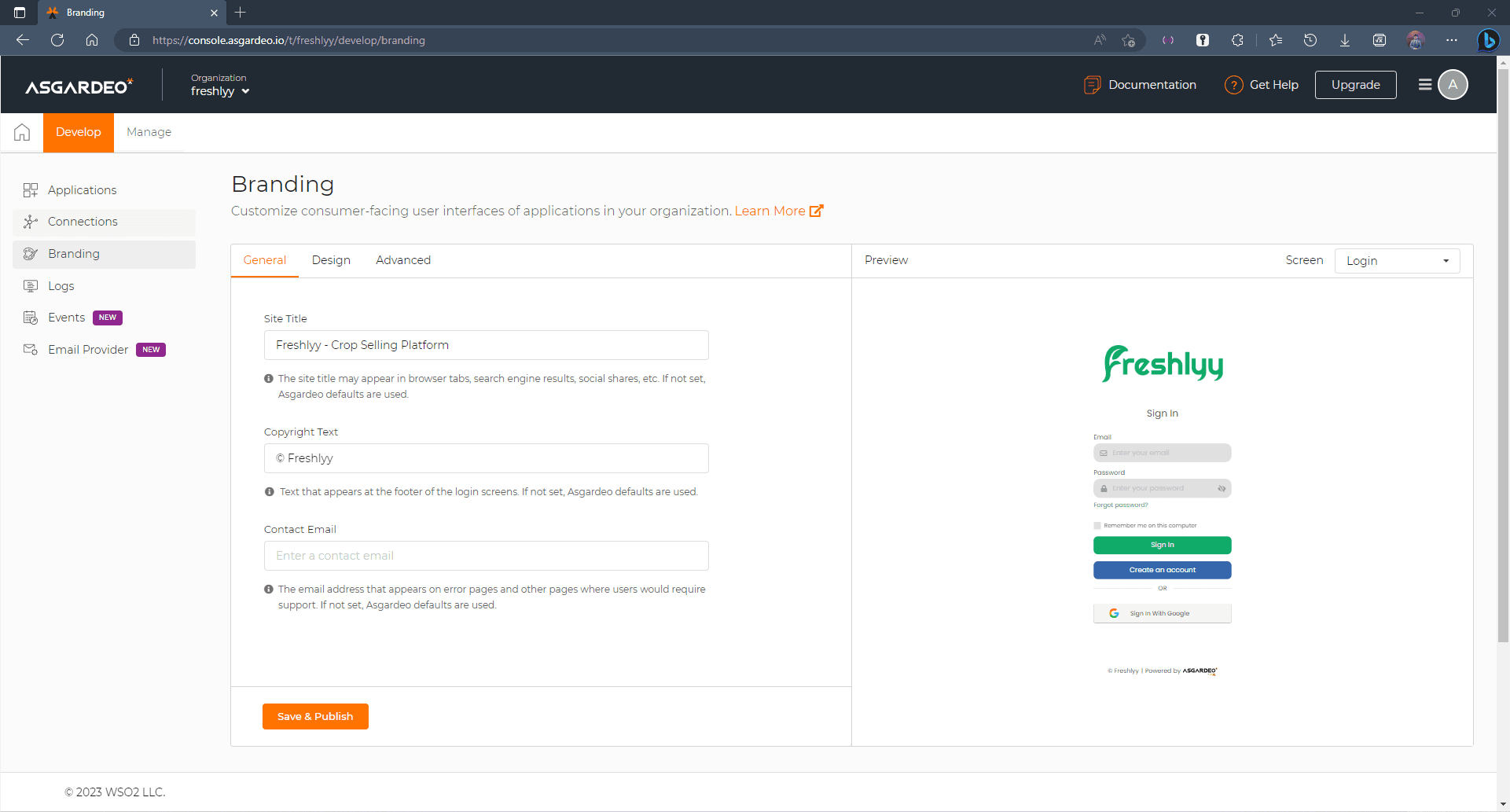
Branding Page
Final Thoughts
The documentation for Asgardeo is well maintained, and they have developed libraries for almost all the popular frontend and backend frameworks, while some are still being developed. The integration is actually seamless, and we had the peace of mind that we did not have to worry about the authentication security, OTP, password reset, account editing and everything else related to user management.
We were able to successfully implement log-in to our Next JS web application, but unfortunately, we were not able to implement log-in to our React Native App as the React Native SDK for Asgardeo is still under development, and we weren't able to implement it with the Work-In-Progress version due to a compatibility issue. However, at the time of writing this, the React Native SDK for Asgardeo has been marked as Deprecated, in the mean time, they suggest using PKCE Authorization Code Flow. We hope a better library will be developed for React Native integration in the near future.
Moreover, Asgardeo redirects users out of the application to log the users in to our application, which may not be the best user experience when you are on a Mobile application where you will have to go back and forth the default browser on the phone. This may be okay for an enterprise level application, but for customers, we hope they will implement something better.
However, overall, we think Asgardeo will be a solid IDaaS when it comes to implementing CIAM to your application, upon its maturity.
Our Team — Ascendants
Enjoyed this? Leave a like and share it!
